World Time, Beautifully Simple

The world's time,
at your fingertips

Track every time zone, plan meetings across cities, and stay in sync with the world — all offline, all private, all beautiful.

500+ Cities
All Time Zones
100% Offline
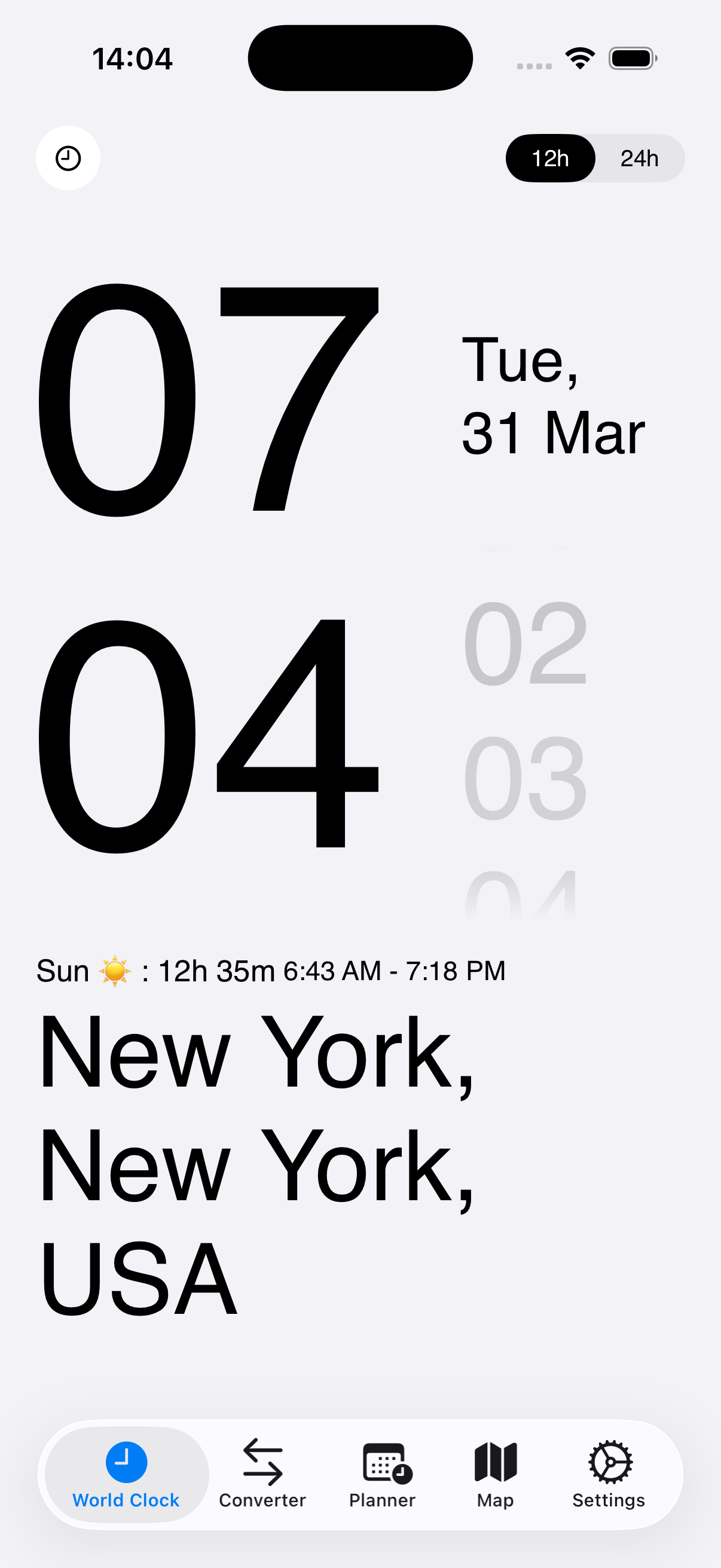
Clovk Big Clock — New York

Available on all your Apple devices

iPhone
iPad
Apple Watch
Widgets
Features

Smart features for
global time tracking

Everything you need to stay in sync with the world. Bank-grade privacy, zero tracking, fully offline.

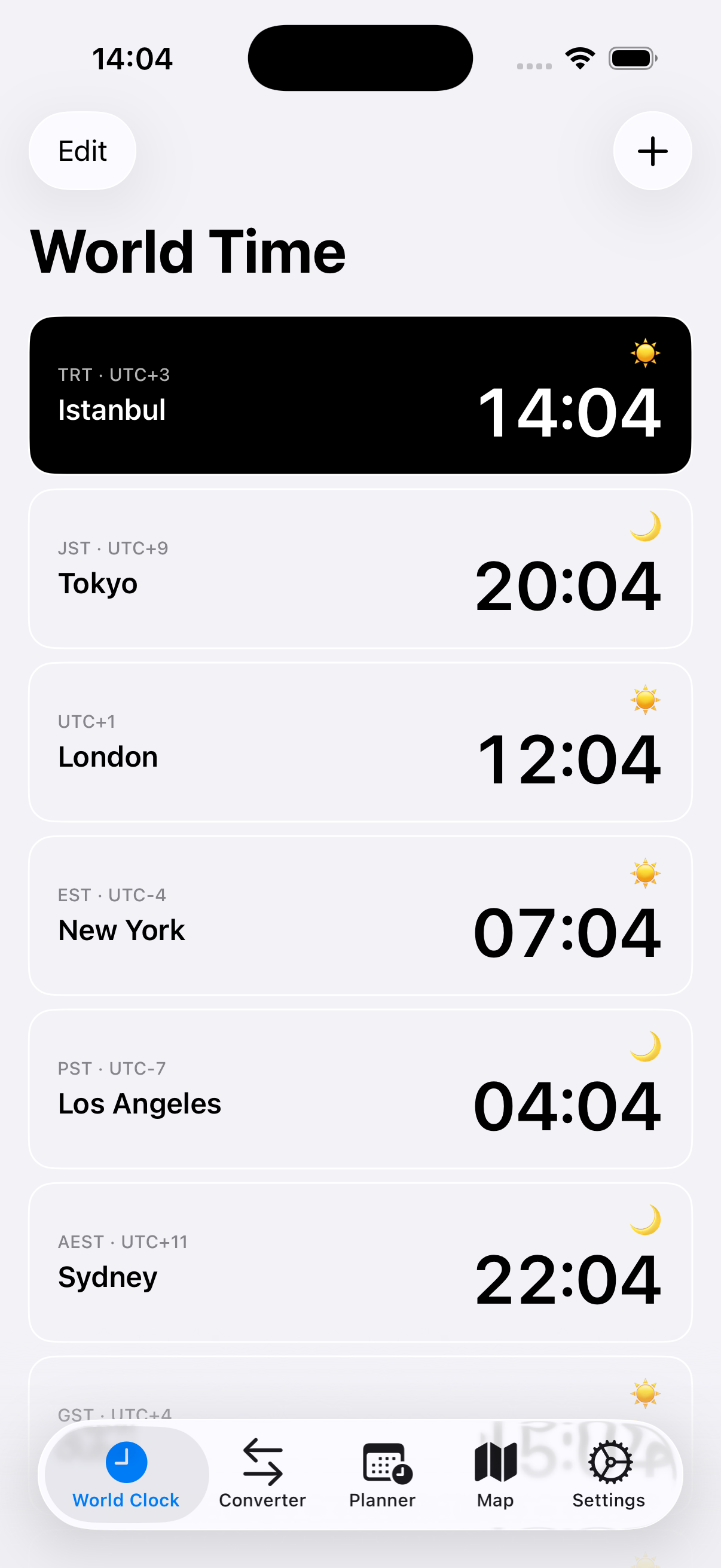
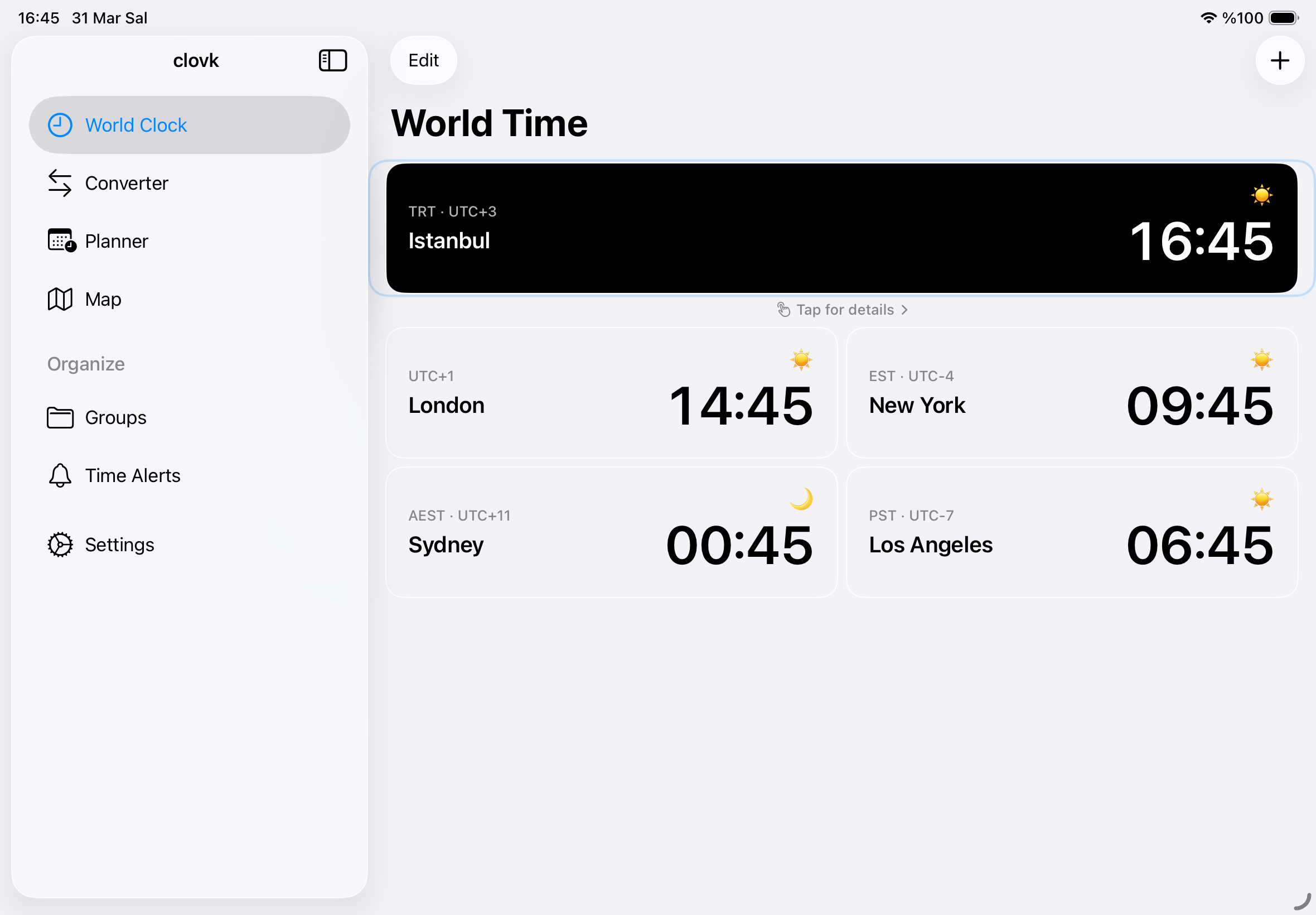
World Clock List

Your favorites at a glance. See live time, UTC offsets, and day/night indicators for every city you care about.

World Clock List

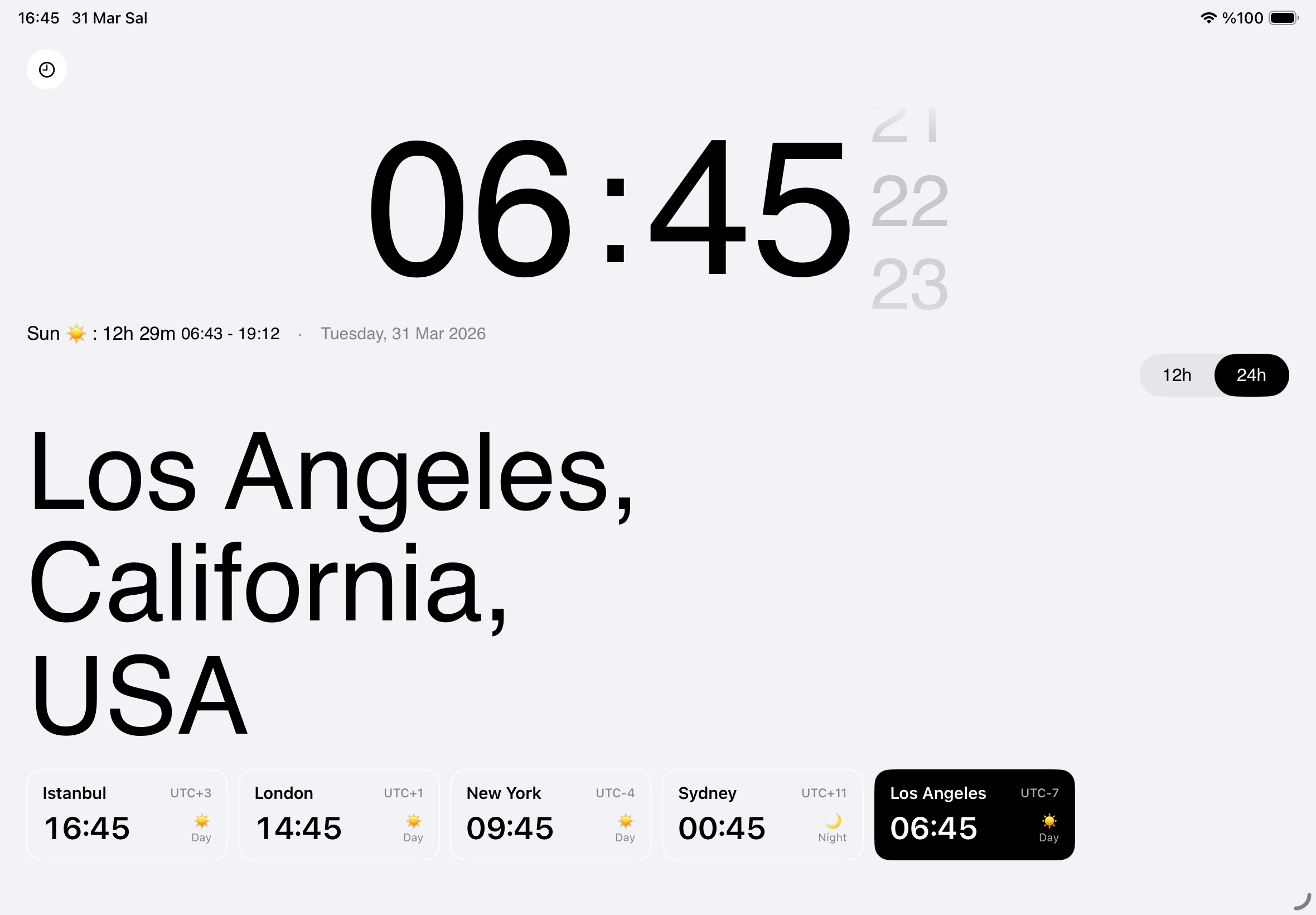
Big Clock Detail

Full-screen city view with giant animated digits, continuous seconds roller, and sunrise/sunset info.

500+ Cities, All Time Zones

Search by city, country, or airport code (IATA) from an offline database covering every time zone. No internet needed.

Secure & Private

No accounts, no tracking, no IDFA. Your data stays on your device, synced only via your private iCloud.

Sunrise & Sunset

Offline NOAA solar calculations with day length, handles polar day/night automatically.

Time Alerts

"Notify me when Tokyo hits 09:00" — with repeat support and DST-aware scheduling.

How it Works

Powerful tools for
every scenario

Time Converter
01

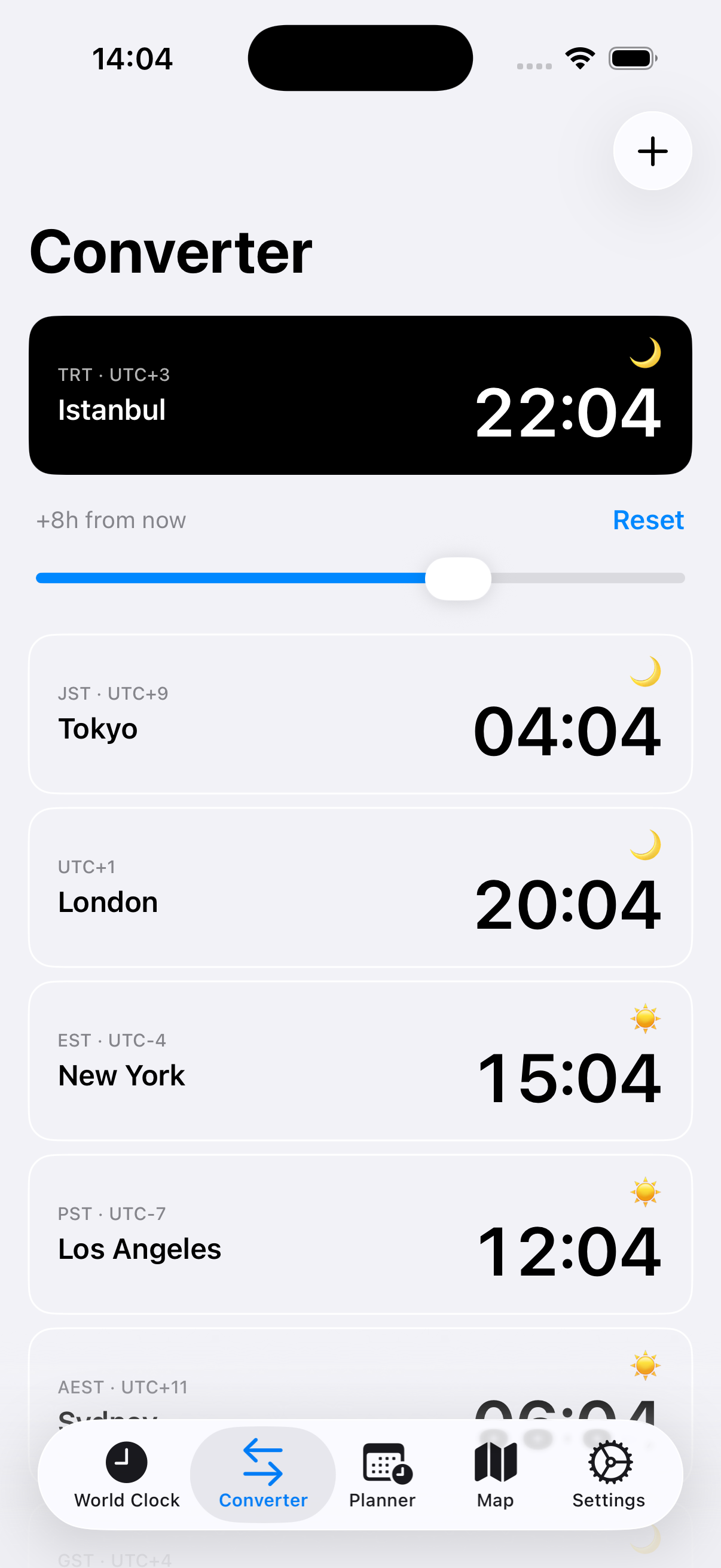
Time Converter

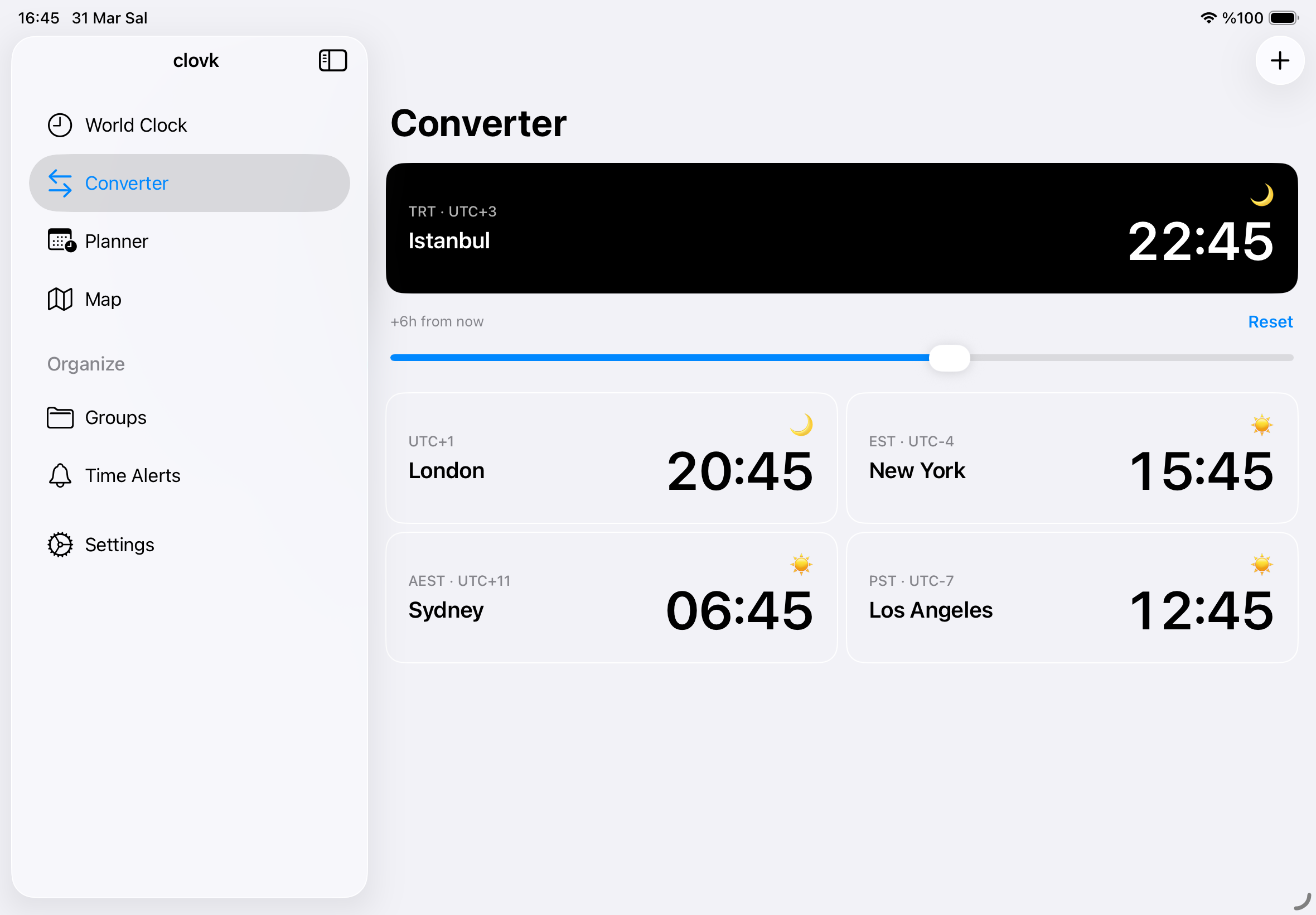
Pick a base city, scrub time forward or backward up to 24 hours, and watch all your favorite cities update in real-time. Day boundary labels show you exactly when "tomorrow" starts.

Meeting Planner
02

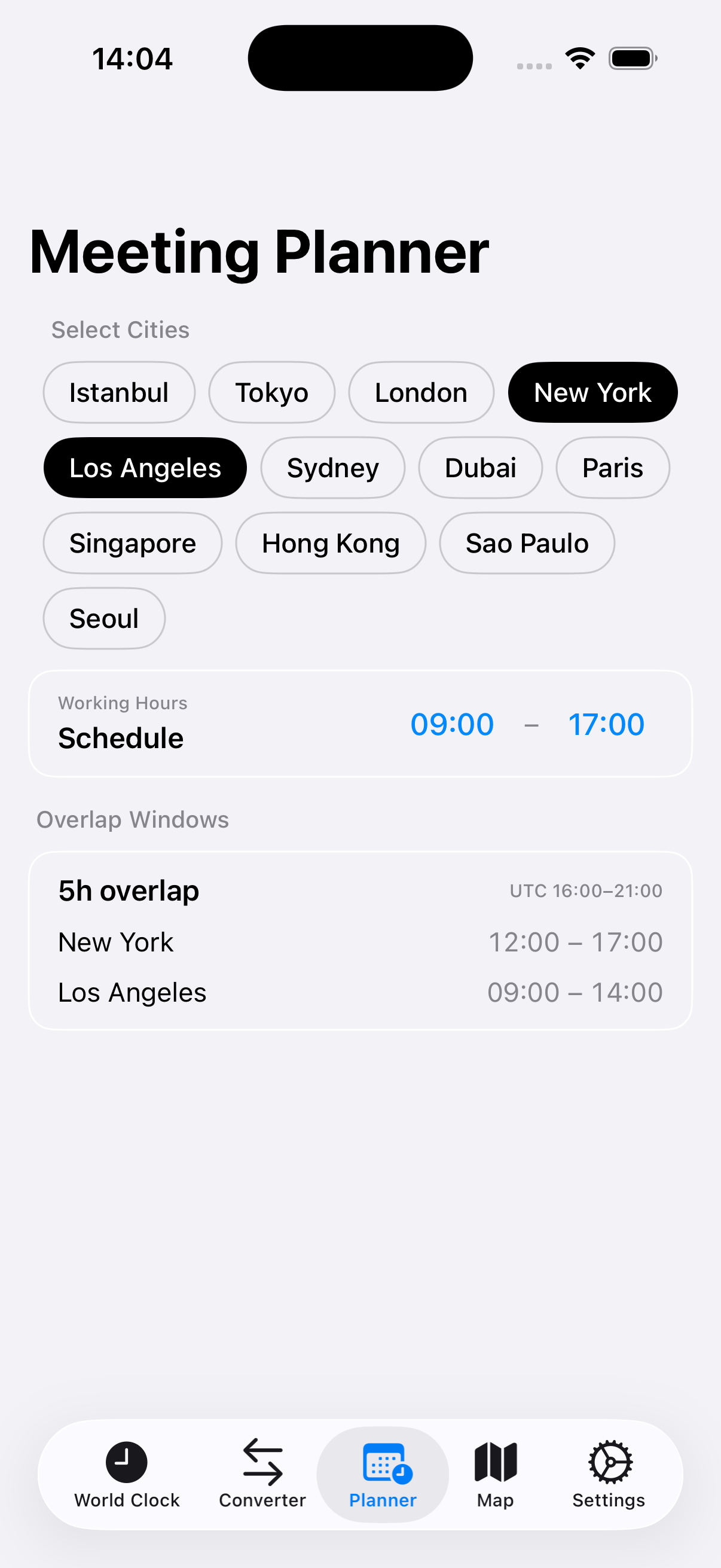
Meeting Planner

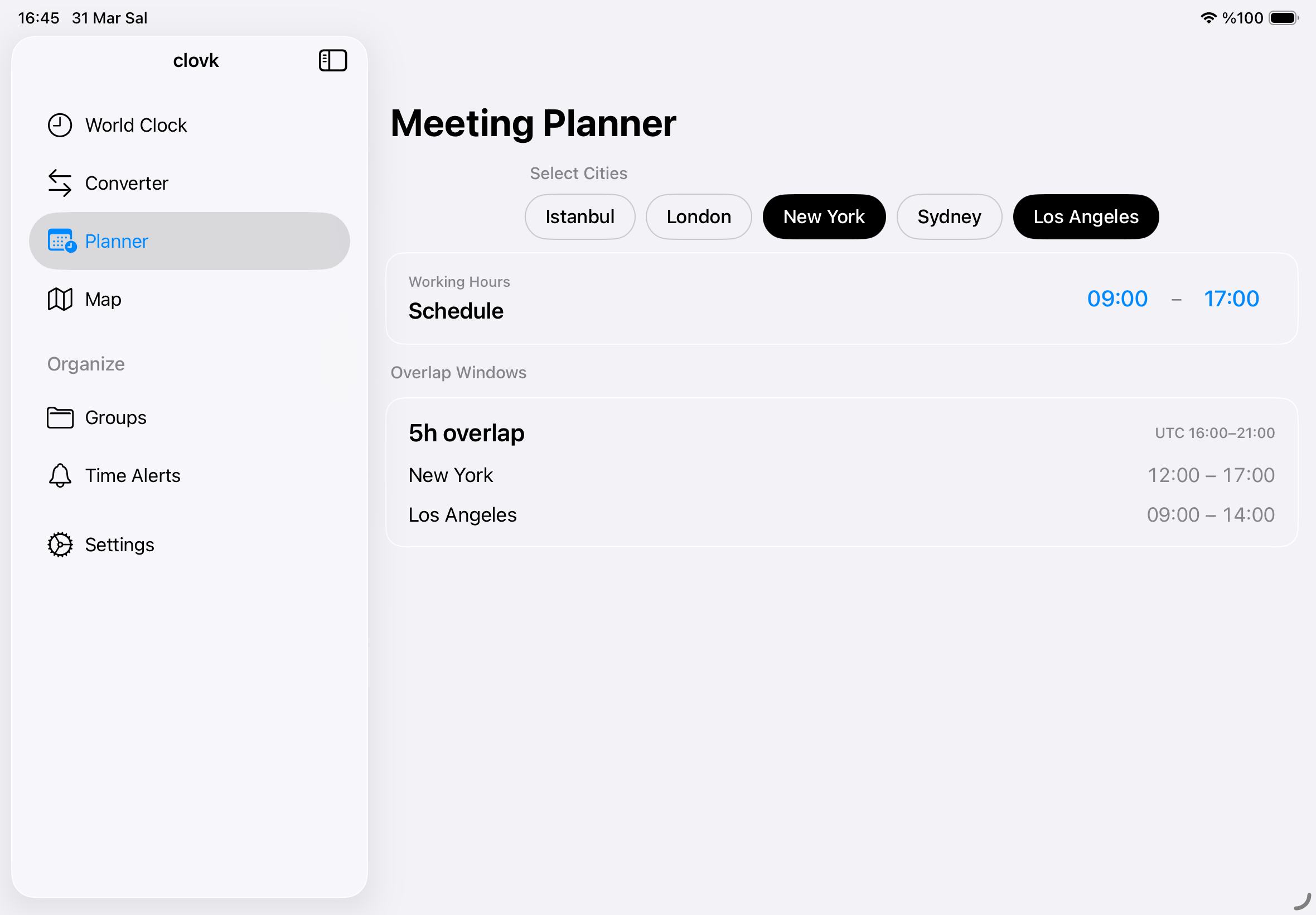
Select 2-6 cities, define working hours, and instantly find overlapping windows ranked by duration. No more mental math for global meetings.

Map Picker
03

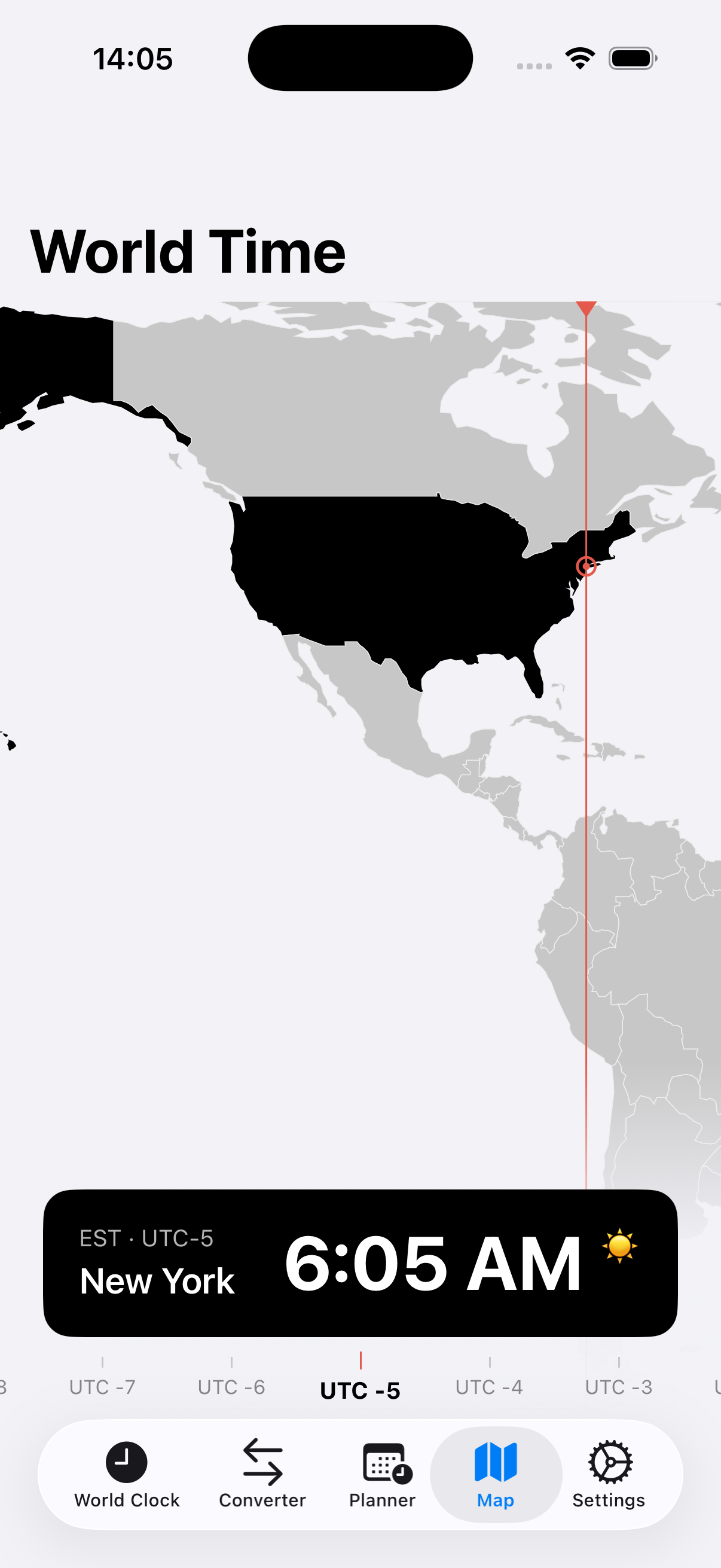
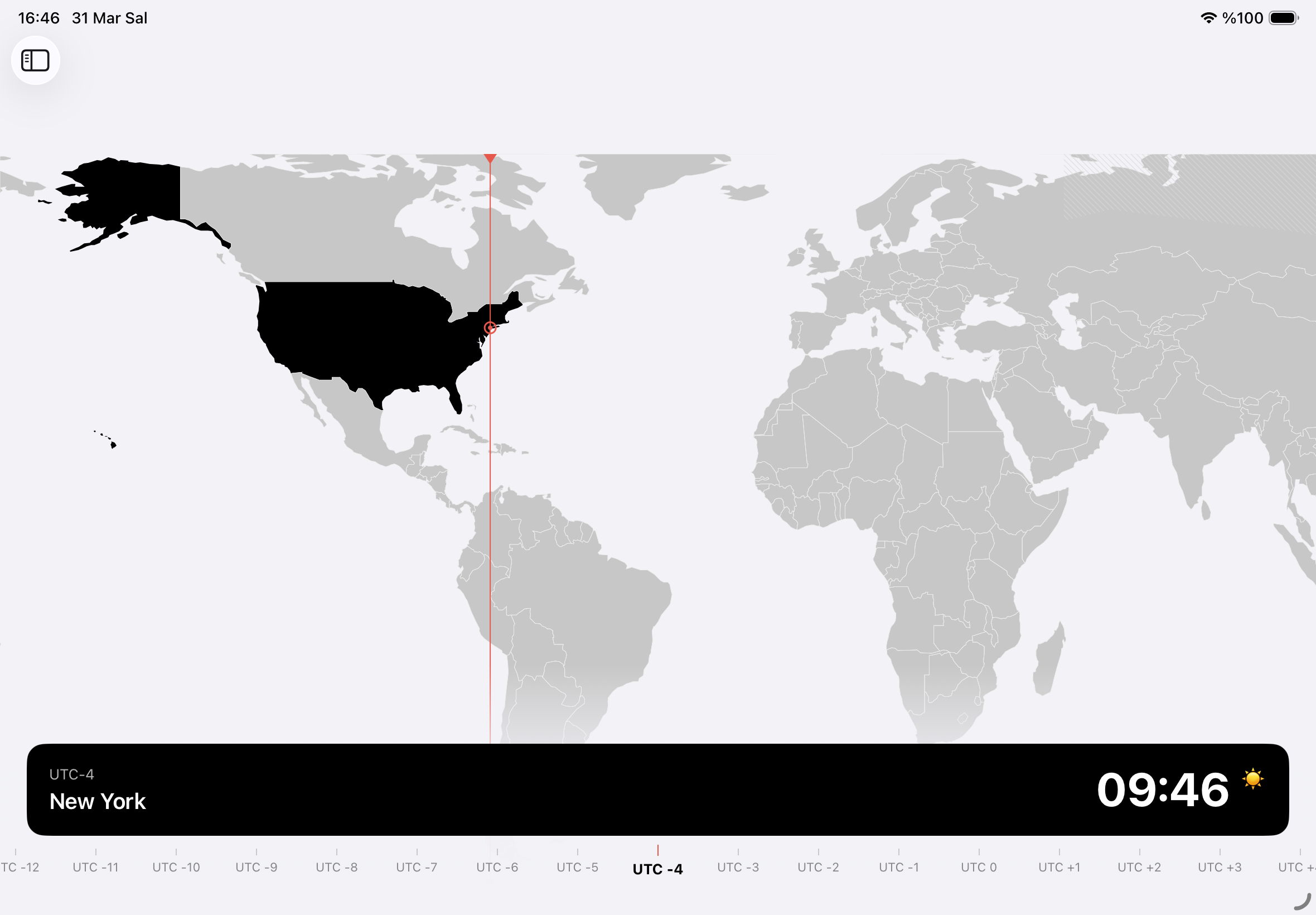
World Map

Tap anywhere on the interactive world map to instantly see the time zone. Scroll through UTC offsets and explore time across the globe visually.

iPad Experience

Designed for the
big screen

A full multi-column layout optimized for iPad, with sidebar navigation and spacious grid views.

Clovk on iPad — World Time Clovk on iPad — Big Clock Clovk on iPad — Converter Clovk on iPad — Meeting Planner Clovk on iPad — World Map

Fully Offline

Every feature works without internet. City database, sun calculations, time zones — all bundled locally.

iCloud Sync

Favorites, groups, alerts, and settings sync seamlessly across all your Apple devices via CloudKit.

Widgets & Watch

Home Screen, Lock Screen widgets, and Apple Watch app keep your favorite time zones always visible.

DST Aware

Automatic Daylight Saving Time detection with upcoming transition alerts. Never get caught by DST changes.

FAQ

Frequently asked questions

Yes, 100%. Every feature — city search, time zones, sunrise/sunset calculations — works without an internet connection. The entire database is bundled with the app.

Clovk runs on iPhone (iOS 16+), iPad with optimized multi-column layout, Apple Watch (watchOS 9+), and includes Home Screen and Lock Screen widgets.

Your favorites, groups, alerts, and settings sync automatically across all your Apple devices via CloudKit. No account setup needed — just sign into iCloud. If iCloud isn't available, the app works perfectly in local-only mode.

Absolutely. Clovk has no user accounts beyond iCloud, no IDFA or cross-app tracking, and no backend server. Analytics are anonymous with no personally identifiable information. Location is only used for optional auto-timezone detection.

Clovk automatically detects Daylight Saving Time changes and shows DST status on city detail views. Time alerts are DST-aware, so your "notify me when Tokyo hits 09:00" alert adjusts automatically when clocks change.

Yes. You can cancel anytime through your Apple ID settings. You'll continue to have access until the end of your billing period. Or choose the Lifetime plan to pay once and own it forever.

Ready to master
world time?

Download Clovk today and never miss a beat across time zones.

Download on App Store